
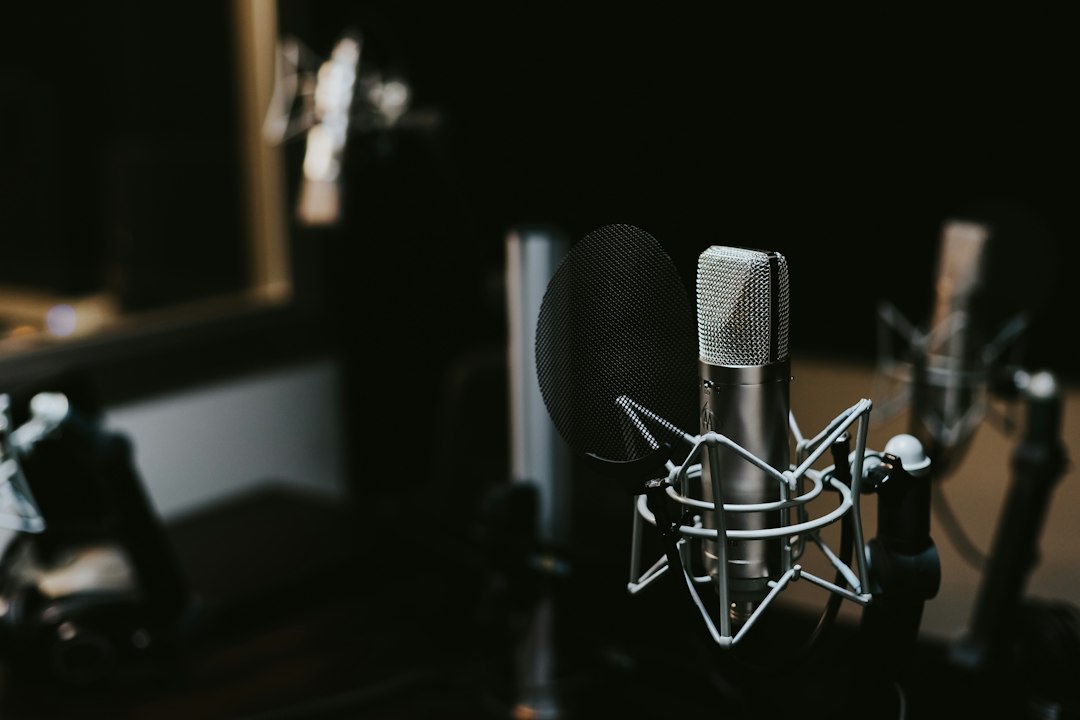
A recording studio move can leave a microphone without its shock mount, an interface without its power supply, or a carefully labeled cable in the wrong room. Before a Nashville relocation, give studio accessories their own inventory. Record the equipment, matching parts, preparation owner, case number, and destination. This guide helps you discuss physical packing and moving with JM Moving while keeping technical disconnection and setup with the appropriate owner, engineer, or IT professional.
Navigating Your Nashville Packing Journey
Start with one work area at a time: vocal station, control desk, instrument corner, or accessory cabinet. Count the physical components before dismantling a familiar setup. Identify borrowed or rented items separately and check the relevant owner’s instructions before relocating them. Contact (615) 710-9990 or JM Moving to review the moving scope, access, and requested date; technical services or specialist handling should be expressly agreed.

To ensure total clarity throughout the packing and moving process, we provide several specialized planning documents. You can review our detailed guidelines to map out your studio’s logistics by exploring our room-inventory checklist guide, our comprehensive packing-scope checklist guide, and our visual verification tool via the photo-walkthrough checklist guide. These resources are designed to keep your Nashville moving inventory organized and transparent every step of the way.
Microphone Stands, Boom Arms, and Support Hardware
Microphone stands, heavy-duty boom arms, studio monitor speaker stands, and instrument holders form the physical backbone of any functional control room or live tracking space. Because these items are constructed from solid steel, heavy cast-iron bases, and delicate tension-adjustment mechanisms, they require distinct handling procedures during a move.
Disassembly and Clamping
Follow each stand’s instructions for folding or disassembly. Remove the microphone and other attached equipment first when directed, and have a qualified person handle an unfamiliar or heavy assembly. Record whether bases, shafts, and boom arms will travel together or separately. Avoid overtightening clutches or forcing seized fittings merely to make a bundle smaller.
Protecting Threads and Knobs
Record clips, thread adapters, locking knobs, and other detachable parts beside the matching stand. Protect projecting threads and controls with suitable packaging without forcing a cap onto an incompatible thread. Keep small parts in a labeled container inside the relevant case or parts box; a loose bag attached outside a bundle can snag or be torn away.
Audio Cables, Snakes, and Interconnect Management
Cables are the lifelines of any recording studio, spanning XLR lines, TRS instrument cables, MIDI cables, heavy multicores, and power snakes. Improperly packed cables result in frustrating knots, bent connector pins, and damaged internal shielding that can introduce persistent hums and ground loops into your audio signal chain.
The Proper Coiling Technique
Coil cables without sharp bends, twists, or tension, following any model-specific storage and bend-radius guidance. A familiar over-under technique can suit many flexible audio cables, but it is not a universal instruction for every cable or snake. Use suitable reusable ties and protect connector pins. Do not pull on connectors, bind cables tightly, or use adhesive that could damage the jacket.
Categorizing Snakes and Patch Cords
Group multi-channel audio snakes and stage boxes into robust plastic bins or dedicated road cases. Label every bundle by length and connector type (e.g., 25ft XLR male-to-female, TRS patch bays). This preparation can reduce searching during the reassembly phase at your new facility.
Small Sound Gear, DI Boxes, and Direct Hardware
DI boxes, headphone amplifiers, monitor controllers, and other small devices need separate records because their power supplies and controls are easy to confuse. Use a sound fitted case or suitable packaging that supports the unit and protects protruding parts. A cardboard carton is not automatically unsuitable; the important questions are fit, strength, internal protection, and the item’s instructions.
Use fitted inserts or another appropriate protective design that leaves clearance around switches, knobs, sockets, and fragile surfaces. Do not press loose foam directly onto controls. Keep the exact power supply identified with its device and record that relationship privately. A matching plug shape does not establish compatible voltage, polarity, or other electrical requirements.
Maker and Model Identification Protocols
In a fully equipped recording studio, inventory accuracy is essential. When packing multiple similar items—such as identical condenser microphones, outboard preamps, or generic power distribution units—recording accurate maker, model, and serial number data helps reduce mix-ups.
Maintaining a master inventory sheet ensures that every item is accounted for before loading into the moving vehicle and verified upon arrival at your new studio location.
Identifying and Securing Loose Accessories
Loose studio accessories are notoriously easy to misplace during a move. Items like replacement vacuum tubes, guitar picks, drum keys, spare rack screws, optical cables, adapters, and thumb drives require dedicated containment.
Group small non-sensitive accessories in labeled containers appropriate to their size and fragility. Keep rack screws and adapters linked to the equipment they fit, and protect delicate spare parts with suitable cases. Avoid attaching parts to an empty rack rail where they can fall off or interfere with later assembly. Place memory drives and license devices in the separate owner-managed plan.
Condition Photographs and Documentation
Before any accessory or piece of gear is packed into a moving box, capture clear high-resolution photographs of its physical condition, front panel settings, and existing connections. This documentation serves multiple vital purposes.
Detailed photographs act as a visual reference when you begin reconnecting complex patching systems in your new studio. Furthermore, they provide a verified baseline of the equipment’s condition prior to transit. Take close-up shots of any pre-existing cosmetic scuffs, rack rash, or chassis wear so you have an accurate historical record of your gear.

Owner and IT Preparation for Studio Systems
Modern recording studios rely heavily on computer workstations, digital audio workstations (DAWs), external hard drives, interface drivers, and network-attached storage. Proper IT and owner preparation protects your session files, plug-in licenses, and system configurations.
Before disconnecting computers or storage, the owner or IT contact should check that an appropriate backup exists and can be accessed. Use the organization’s approved backup process and preserve necessary project settings. Keep credentials, private client recordings, license devices, and irreplaceable masters under the authorized owner’s control. Do not print passwords or software license information on cartons, and do not assume physical moving service includes data migration.
Room Destination Strategy and Floor Planning
A well-executed studio move depends on clear room destination planning. When your gear arrives at your new location, placing boxes and equipment directly into their intended rooms prevents unnecessary heavy lifting and keeps the setup process organized.
Create a color-coded labeling system corresponding to your new studio floor plan—such as blue labels for the control room, green labels for the live tracking room, and yellow labels for the vocal booth. Ensure that every box, case, and accessory bin is clearly marked with its destination room and contents summary before our team loads it up.
10 Studio Accessory Preparation Checks
- 1. Double-box fragile tube microphones: Use suitable fitted cases and model-appropriate outer protection; avoid loose fill that can enter equipment or fail to support its weight.
- 2. Check battery preparation: Follow device and battery instructions and confirm transport acceptance. Do not open equipment to remove a battery that is not owner-removable.
- 3. Label cable ends clearly: Use appropriate removable tags to identify cable ends without heating or altering cables during moving preparation.
- 4. Secure rack ears: Have a qualified person review rack suitability, support, fasteners, and total weight before transport.
- 5. Protect mixing console surfaces: Arrange suitable protection that does not press on controls; a blanket alone may not protect a mixing console.
- 6. Inventory pop filters and shockmounts: Store elastic suspension shockmounts in separate padded pouches so the delicate elastic bands do not overstretch.
- 7. Keep power strips accessible: Pack power distribution units and surge protectors near the top of your final boxes so power is available immediately upon arrival.
- 8. Safeguard monitor speakers: Use appropriate original inserts or fitted protection and keep pressure away from exposed drivers.
- 9. Maintain a master check-off list: Cross-reference every packed bin and accessory case against your master inventory spreadsheet in real time.
- 10. Transport irreplaceable masters personally: Keep master hard drives, irreplaceable analog tapes, and security dongles in your personal vehicle during the move.
Studio Accessory Packing FAQs
How should I pack sensitive condenser microphones?
Follow the microphone’s own instructions and use an appropriate fitted case with suitable protection for the capsule, grille, and controls. Do not assume every condenser has the same case or packing requirements. Identify its shock mount and adapters separately, and ask the manufacturer or a qualified audio specialist about a damaged or unusual microphone.
What is the best way to prevent audio cables from tangling during a move?
Use a coiling method suitable for the cable and avoid sharp bends, tension, or tightly bound connectors. Follow manufacturer guidance for specialty or multi-core cables. Tag the bundle with its type and intended destination, and protect the connectors inside an appropriate container.
Should I leave gear mounted in heavy equipment racks during transport?
Ask the equipment owner or qualified technician to assess the rack, mounting hardware, weight, and transport case. A rack designed for a fixed studio installation is not automatically a shipping case. Do not decide solely from whether the equipment seems light, and do not leave heavy units supported by an unsuitable mounting arrangement.
How do I keep track of power supplies and wall warts?
Identify each adapter with the exact device and keep it in a matching accessory container. Record the model and rating information privately when helpful. Avoid adhesive on the unit or cable jacket, and consult the manufacturer if an adapter is missing or uncertain rather than substituting one that looks similar.
What documents should I prepare before moving my studio?
Prepare a complete hardware inventory list, maker and model logs, serial number records, system condition photographs, and a color-coded room destination floor plan.
How should studio monitor speakers be prepared for moving?
Have the responsible owner or technician follow the monitor’s instructions for disconnection and packing. Use sound original inserts or an appropriate protective case where available. Do not place pressure on exposed drivers or improvise a cover that can touch a tweeter. Record the pair and its cables clearly for delivery.
Where should I pack software license keys and iLok dongles?
Always keep USB software license keys, iLok dongles, and critical master backup drives in your personal possession rather than loading them into the moving truck.
How do I label boxes for quick reassembly in the new studio?
Use a color-coded room destination labeling system on multiple sides of every box, paired with a bulleted contents list printed directly on the outer carton.
What steps protect fragile toggle switches on analog outboard gear?
Use a protective arrangement that supports the chassis while leaving clearance around switches and knobs. Fitted cases can help when they match the device and are in good condition. Avoid packing material that pushes on controls, and ask for a specialist review when suitable protection is uncertain.
How can JM Moving assist with my local Nashville studio relocation?
Discuss the exact equipment, case count, access route, requested date, and physical packing help you need with JM Moving. Identify technical preparation and specialist work separately. Call (615) 710-9990 or visit JM Moving and request written confirmation of scope, pricing, and availability.
Sample Item Record Template
To help you structure your inventory tracking effectively, use the following sample item record format as a model for your own studio asset logs:
Item ID: MIC-001
Category: Microphones / Condenser
Maker & Model: Enter the actual manufacturer and model
Serial Number: Record privately if needed; do not invent or print it on the outer case
Condition Notes: Example: visible scratch on housing; close-up photo recorded
Destination Room: Control Room / Mic Locker
Special Handling: Use the model-appropriate case; preparation review pending
Use case numbers without exposing sensitive details
Create a private equipment list with columns for item code, make and model, matching accessories, case number, destination, and preparation owner. Keep serial numbers or sensitive project references in that private record rather than on the outside of a case. A neutral code such as AU-01 is enough to connect a carton with its detailed inventory.
For example, AU-01 can identify a microphone, AU-01-M its shock mount, and AU-01-A the pouch containing its thread adapter. Record whether the pouch is inside case C-01 or traveling separately. If a microphone is removed for a final session, update its packing status immediately. Do not let an old “packed” check mark remain beside an empty case.
Follow the maker’s guidance for the actual microphone. The Shure KSM313 user guide, for example, calls for protective-case storage when that microphone is not in use. This is a useful reason to locate the correct case, but instructions for one model should not be generalized to every microphone in the room.
Plan a controlled restart after delivery
At pickup, count cases, cartons, stands, and any separately packed bases. At delivery, compare those same codes before beginning technical setup. Put the equipment in the agreed rooms without assuming it is immediately ready to power on. The responsible owner or technician should check condition, suitable operating conditions, and model instructions first.
Unpack accessories in small groups on a clean surface. Keep case inserts and wrapping until each device is reunited with its parts. If a control is bent, a case has visible impact damage, or a cable is missing, note the item code and take useful photos. Raise the issue through the appropriate moving or service process rather than testing damaged equipment to see whether it still works.
For the first session, use a short setup checklist owned by the engineer or IT contact. Verify the required equipment, correct power supplies, routing, and accessible backups using the organization’s normal procedures. Moving logistics and audio system commissioning are different responsibilities; a clear handoff keeps one from being mistaken for completion of the other.
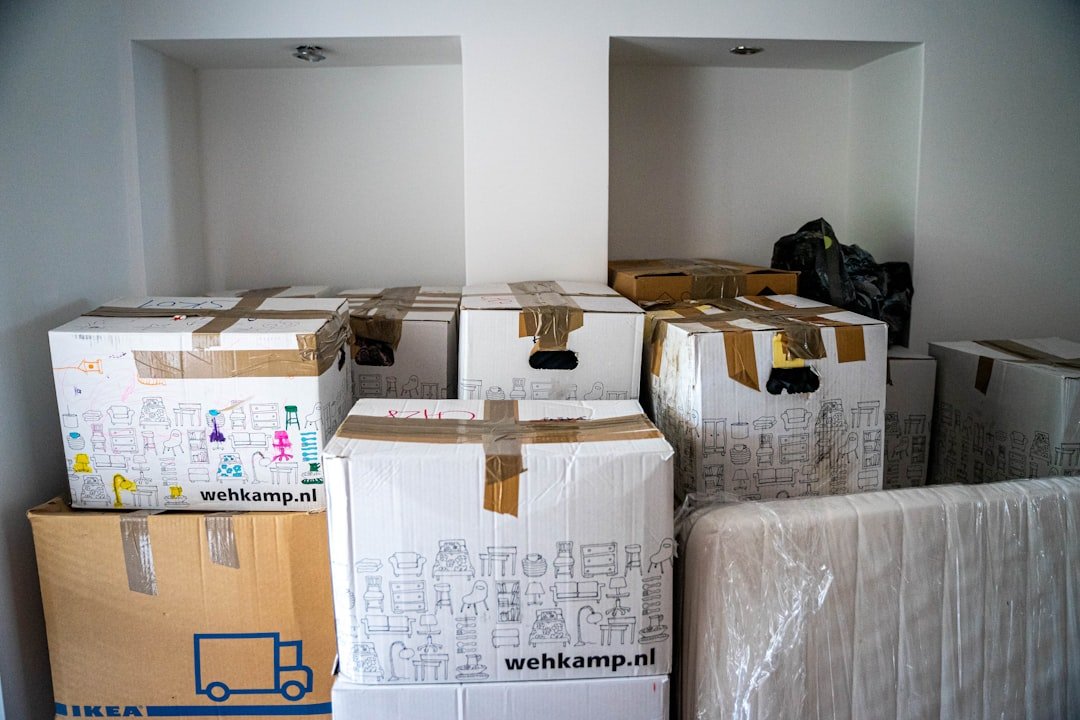
Ready to Relocate Your Recording Studio in Nashville?
Share your equipment and accessory inventory with JM Moving to review the physical moving scope.