
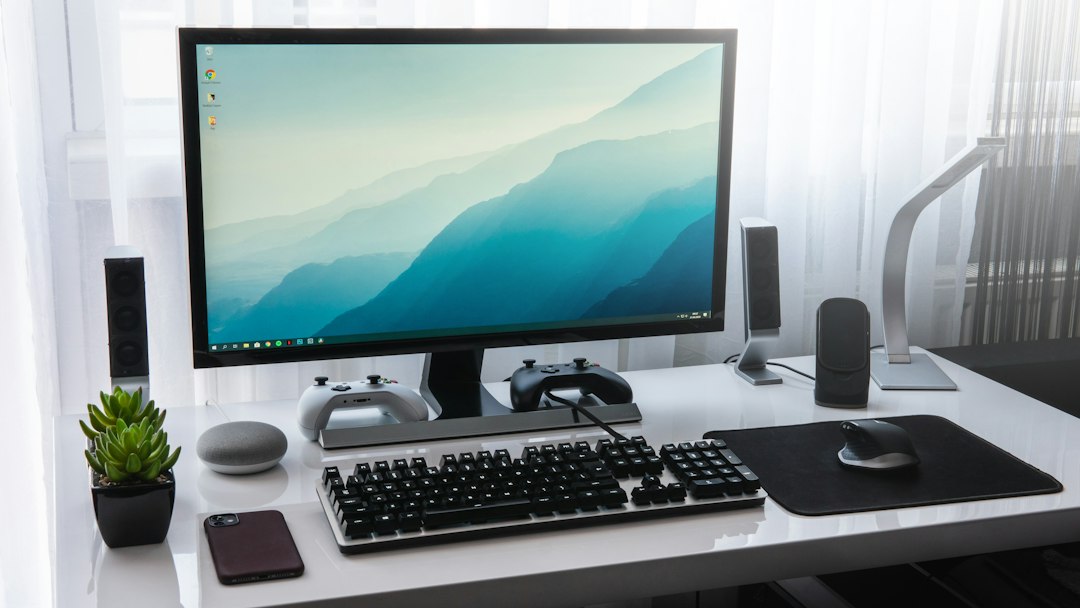
Managing a precise technology inventory during a relocation can feel overwhelming, especially when dealing with fragile desktop computers, high-resolution monitors, and intricate peripheral webs. When coordinating a transition within the local Tennessee area, securing professional packing and logistics support from JM Moving at (615) 710-9990 or via jmmoving.store helps coordinate the handling of your electronics. Whether you are transitioning a single home office or an entire corporate suite across town, cataloging every single screen, desktop tower, cable bundle, and accessory group helps track hardware and simplifies setup in your new space. This comprehensive guide details how to construct, verify, and maintain an accurate monitor and desktop inventory to safeguard your valuable technology assets throughout the moving process, mitigating risks associated with physical transit and supporting an organized operational restart upon arrival.

Furthermore, taking a proactive approach to technology inventory management establishes a solid foundation for corporate accountability and personal peace of mind. In modern work environments, technology is not merely a collection of tools; it represents the repository of crucial business data, personal memories, professional projects, and irreplaceable digital artifacts. When local moves occur, even over short distances within the greater Nashville metropolitan area, vehicle vibrations, handling shifts, and environmental changes can pose subtle threats to sensitive computer hardware. By documenting every piece of equipment meticulously, you create a useful record that supports item tracking from the moment the first power cord is unplugged to the final system boot at your new destination.
Direct Answer: What Is a Monitor and Desktop Inventory?
A monitor and desktop inventory is a systematic, itemized record of all computer hardware, displays, peripherals, and associated accessories designated for transport. It functions as a single source of truth that documents make, model, serial numbers, current physical condition, and intended room destinations. By recording these details before packing boxes, you establish accountability and enable efficient unpacking. Professional crews rely on these exact inventories to cross-reference items loaded onto trucks against items delivered to your destination, helping identify missing or misplaced items during the delivery check.
Keep the inventory, condition photographs, and service documents together. These records can help describe a concern accurately, but they do not determine insurance coverage, a claim outcome, or a corporate compliance requirement. Ask the responsible provider about the actual terms and process that apply to your move.
The Importance of Narrowing Inventory Model Counts and Peripheral Groups
General inventories often fail when dealing with technology because multiple similar-looking black rectangles and tangled cords become indistinguishable once unplugged. Narrowing your inventory requires isolating each specific device model, tracking distinct screen sizes, and categorizing peripheral groups logically. Instead of writing down three monitors, specify the exact manufacturer, model number, and screen diagonal for each unit. Grouping peripherals—such as pairing keyboards, mice, power bricks, and display cables directly with their host computer—prevents cross-contamination of accessories between different workstations. This precision matters immensely during a commercial or residential move handled by experienced local teams, as clear labeling accelerates placement in designated office zones or home study areas.
Matching workstation codes reduce confusion when several devices look alike. For example, a desktop with two monitors may also need a particular display adapter and a small wireless receiver. Give the accessory carton its own code and connect it to the workstation record. Mark unidentified parts as unresolved rather than assigning them to the device they happen to be beside. An accurate connection map helps the authorized person begin setup without guessing.
Documenting Device Condition Photos and Privately Held Credentials
Take clear reference photographs of the workstation and visible wear before packing. Keep readable confidential documents, credentials, and sensitive screen content out of the images. Link photos to the device code and store them through your established process. Passwords and recovery keys do not belong in the moving inventory or on cartons. The owner or authorized IT team should retain access through its normal secure procedures.
Keep physical transport separate from technical access. Movers do not need system login credentials or decryption keys to identify and handle labeled equipment. The owner or authorized IT contact should review backup and shutdown readiness through the established process. Condition photos can help compare visible observations before and after the move, but they cannot verify every internal component or conclusively establish the cause of a later problem.
Structuring Containers and Assigning Room Destinations
Match packaging to the exact equipment and its manufacturer guidance. Label each container with an inventory identifier and destination room. Record whether the customer, an IT contact, or the moving team will perform the agreed preparation. Avoid assuming every display or desktop requires identical materials.
Use the packaging and orientation recommended for the exact device model. Original packaging may be useful when it is intact and complete. Ask the manufacturer or the person responsible for the equipment about removing stands or securing internal components. Do not put pressure on a display panel or tape an accessory against it. Record the packaging choice in the inventory, and confirm the handling scope with the moving contact.
10 Workstation Inventory Checks
- Use Unique Serial Numbers: Always record the manufacturer serial number for every desktop and monitor. This helps distinguish similar devices during the inventory review.
- Capture Wide and Close-up Photos: Take overall workstation photos followed by close-ups of ports, screens, and existing cosmetic blemishes before packing starts.
- Implement Color-Coded Room Labels: Assign specific colored tape to each destination room so movers immediately know where each computer container belongs.
- Bundle Peripherals with Ziploc Bags: Place adapters, cords, and mice in a separate labeled accessory container. Match its code to the workstation; avoid taping hard accessories against a screen or finished surface.
- Confirm Approved Backup Readiness: Ask the owner or authorized IT team to confirm backup and shutdown readiness using the organization’s approved process. Do not upload data to a new service or copy credentials merely because equipment is being moved.
- Measure Monitor Dimensions for Custom Boxing: Note screen sizes accurately to ensure double-walled monitor boxes provide adequate clearance and foam padding on all sides.
- Separate Surge Protectors and Power Strips: Inventory power strips in a dedicated utility bin rather than packing them randomly inside fragile electronics cartons.
- Conduct a Final Walkthrough Verification: Perform a physical inspection of every room post-packing to confirm no loose flash drives, dongles, or cables were left behind.
- Maintain Digital and Physical Inventory Copies: Keep a printed copy of your master sheet in an accessible folder and a digital version on your smartphone for easy reference.
- Coordinate Access and Review with Movers: Review your inventory sheet with your local moving crew lead before loading begins to align on handling expectations.

Concrete Sample Inventory Record
This illustrative sample shows a dual-monitor workstation record; it does not describe a customer’s equipment. Replace model and serial placeholders with verified information from your devices. Keep detailed asset information private and use neutral codes on moving labels.
Release the last workstation deliberately
Equipment that remains in use until departure needs a different status from equipment already packed. Identify the last working station, its release time, and the person authorized to shut it down. A desktop should not be unplugged simply because the rest of the room looks empty. If the deadline changes, update the coordinator and keep the device outside the ready count.
Record technical preparation separately from physical packing. A monitor may be disconnected but still attached to a desk-mounted arm. A tower may be shut down while its accessory carton remains open. Use specific status notes such as “stand review pending” or “adapter missing,” then assign the next action to the appropriate person. Avoid using “ready” as a catch-all description for incomplete work.
Check the model guide and receiving plan
Locate the exact manufacturer’s guide before making decisions about stands, mounts, transport orientation, or internal components. For Dell equipment, the official manuals lookup provides a starting point. Use the guide for the actual model and ask a qualified person about uncertainty. Do not copy an instruction from a different monitor because the screen size is similar.
Connect the technology list to the room inventory checklist and identify preparation responsibility in the packing scope checklist. Use a photo walkthrough to describe the route and staging space without exposing private screen content.
At delivery, reconcile device and carton codes before accessories are scattered among desks. Record visible packaging concerns through the applicable process. Keep delivery receipt separate from technical testing: the receiving contact may count packages, while the owner or authorized IT team later inspects and reconnects equipment. Do not power on a device that appears damaged until it has been assessed appropriately.
Close the inventory only after final placement and unresolved issues are recorded. A desktop arriving in the right building does not establish that its adapters have been found or its system has been tested. Distinct statuses give the next person a useful starting point and reduce repeated searches through cartons.
Frequently Asked Questions
Why is creating a dedicated monitor and desktop inventory necessary?
A dedicated inventory helps connect devices, accessories, and cartons with their intended workstations and destinations. It also makes unfinished preparation and missing parts easier to identify. It supports a clearer handoff without guaranteeing the condition of every component.
Should I include serial numbers on my inventory sheet?
Yes. Recording manufacturer serial numbers helps identify similar devices during inventory checks. Keep the record private and review actual coverage terms separately.
How should I handle computer peripherals during inventory cataloging?
Peripherals such as mice, keyboards, and power cords should be grouped together in labeled bags or accessory boxes and mapped directly to their corresponding desktop or monitor.
Are condition photos required for moving electronics?
Photographs document visible observations and can provide a useful connection reference. Ask what documentation is appropriate under the actual moving agreement. Keep confidential information out of the images and do not treat them as a complete diagnostic test.
What information is needed for a moving estimate?
Ask JM Moving for an estimate using the actual equipment count, packing assistance, property access, and preferred date. Confirm the price, materials, service scope, and availability before arranging the move. This checklist does not establish a standard hourly charge.
Should I write system passwords on my inventory sheet?
No. Never record physical passwords or sensitive login credentials on paper inventory sheets. Store digital credentials securely in encrypted formats instead.
What is the best way to label containers for multiple rooms?
Use unique tracking codes combined with color-coded destination labels so that moving professionals can place each equipment box into the correct room immediately.
How do I contact JM Moving Nashville for support?
You can reach JM Moving directly at (615) 710-9990 or visit jmmoving.store to confirm availability and schedule your move.
Do movers disconnect cables and configure operating systems?
Professional moving crews handle physical transport, loading, and careful placement, but technical disconnection, repair, and OS configuration remain the responsibility of the client.
How can I ensure my monitors do not get scratched?
Follow the exact device manufacturer’s packaging guidance and use appropriate support that avoids pressure on the display panel. Confirm the preparation method before packing an unfamiliar screen.
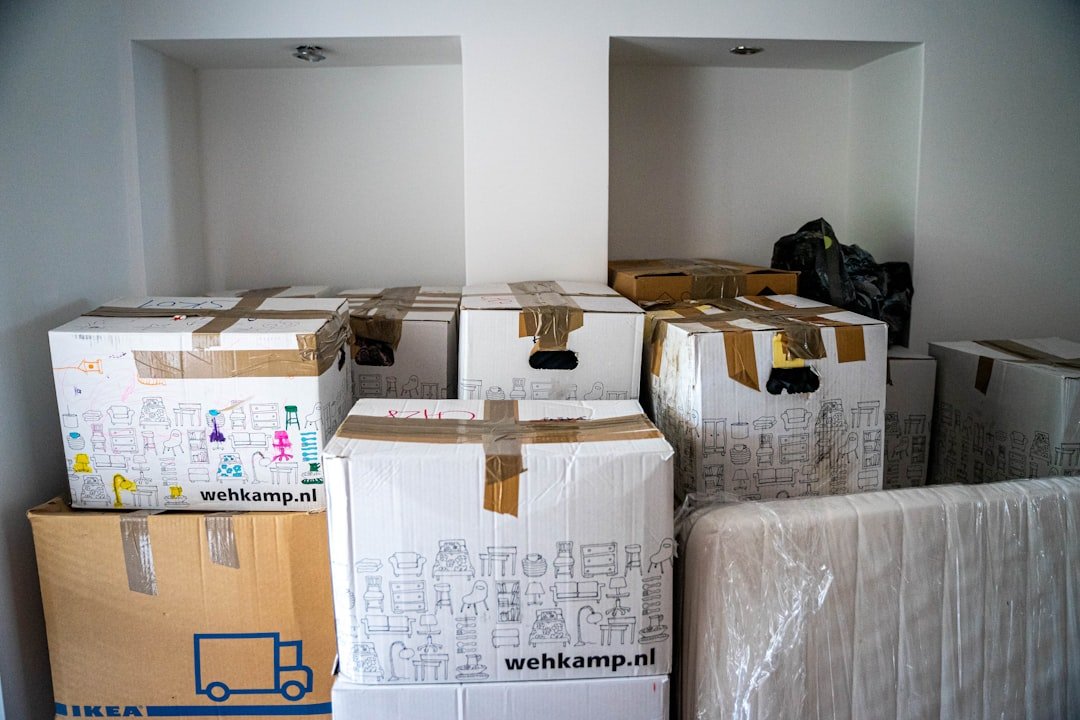
Ready to Streamline Your Nashville Move?
Contact JM Moving at (615) 710-9990 or visit jmmoving.store to review your inventory and ask about availability for your preferred date.
Related JM Moving guides: Nashville Moving: Aquarium Equipment Inventory · Nashville Moving: Basement Container Inventory · Nashville Moving: Garden Tools and Pots Inventory · Craft Room Inventory for a Nashville Move