
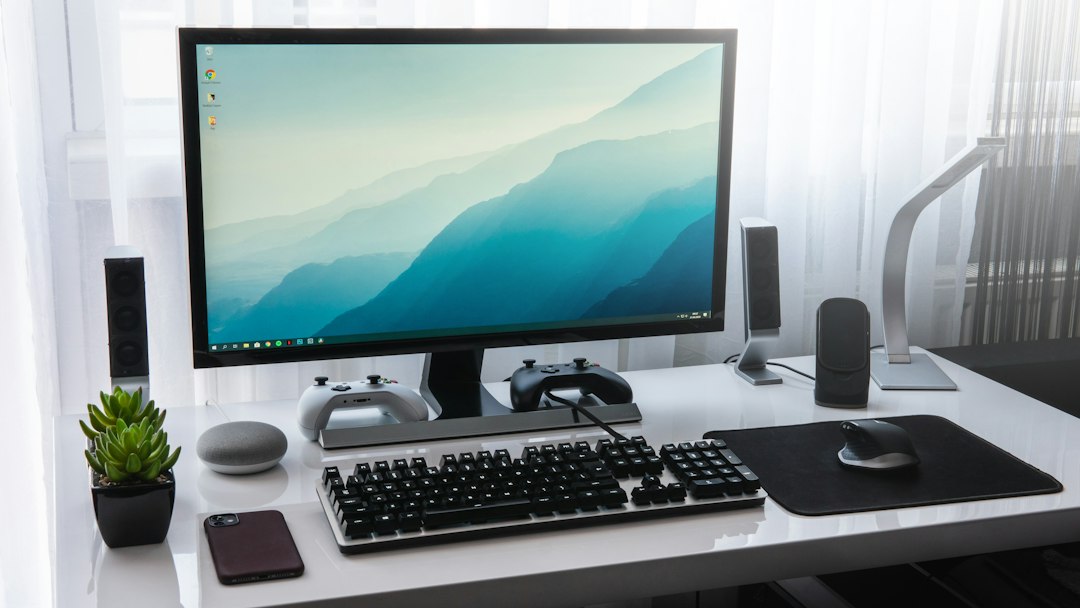
Home-office cable labels should help identify physical equipment and accessories during a Nashville move. They should not turn a moving checklist into a technical repair guide or expose private work information. This article explains how to connect accessory containers with a current device inventory and destination room list.
Use the room inventory checklist for furniture and devices, the packing scope checklist for requested assistance, and the photo walkthrough guide for access details.
Ten tips for a clear cable and accessory record
1. Start with a device inventory
List the computers, monitors, printers, speakers and other equipment that will move. Add model information when it helps identify an accessory. A pile of cables is difficult to describe without knowing which devices belong to it. Record what you own, what belongs to an employer and what is staying behind. This inventory supports the moving review; it does not replace the owner’s technical instructions for preparing equipment.

2. Photograph the current arrangement privately
If useful, take a clear reference photo of the workspace before its owner prepares the devices. Keep account information, screens containing private work and network access details outside the image. Store the photo for your own reference rather than placing sensitive information in a public moving document. You can show the moving team a separate image of the physical equipment and route without revealing passwords or the content of files.
3. Use a simple device identifier
Choose short identifiers that your household understands, such as desk monitor, study printer or recording speaker. Use the same identifier on the device list and accessory container. Avoid abbreviations that only one person can interpret. A label should help the receiver match physical items, not disclose personal or employer credentials. If two identical monitors serve different workstations, add a clear owner or location distinction.
4. Identify accessories without technical guesses
Record the owner-confirmed relationship between an accessory and a device. If you are unsure which cable or adapter belongs to which item, mark it for the equipment owner’s review. Do not guess a connector specification or attempt a technical repair to complete a moving checklist. Keep unfamiliar parts together in an identified group and ask the appropriate owner or IT contact what preparation is needed before the crew arrives.
5. Separate personally carried electronics
Decide which daily-use or private devices you will carry yourself. Mark that group as excluded from the crew’s load and keep it physically separate. This avoids accidentally loading a work laptop or the equipment you need during the move. It is an organizational choice, not a promise about how every electronic item must travel. Make sure the person meeting the crew understands which containers are outside the moving inventory.
6. Record the packing status
Distinguish accessories already organized in labeled containers from loose equipment that still needs owner preparation. If you want packing help, explain the specific physical items and materials that need review. A transport request does not automatically include technical shutdown, account work or equipment installation. Describe those responsibilities accurately so that the moving scope reflects what the crew is being asked to handle.
7. Keep loose parts associated with the item
Use identified accessory containers for parts the owner has already prepared. Note their number on the device inventory so a bag or small box does not become invisible in the larger move. Do not attach anything in a way that the equipment owner or manufacturer has not approved. For unusual parts or fragile accessories, ask the moving team how the physical packing and protection should be reviewed.
8. Label the destination workstation
Record the room and workstation where each device group should be placed. If the new home has both a study and a music room, use distinct labels instead of a general office mark. Keep the destination name consistent across boxes, equipment and your room list. Placement labels help communicate the plan but do not automatically add installation or technical setup to the agreed moving services.
9. Include furniture and access information
List the desk, chair, shelves and other furniture alongside the device groups. A cable inventory does not explain the size of the workstation furniture or its path through the home. For a Nashville apartment, include the relevant elevator window and corridor route. For an upstairs study, show the stairs and landing from a safe position. Let the crew review handling needs rather than assuming an item will fit.
10. Send the final workspace update
Before moving day, send a dated inventory showing packed accessory groups, owner-carried devices and any unresolved preparation. Identify newly added equipment or changed destination rooms. Keep the same version available to the receiver so that unloading instructions stay consistent. Contact JM Moving directly if the requested physical packing work has changed. Technical preparation questions should go to the equipment owner, manufacturer or appropriate IT contact.
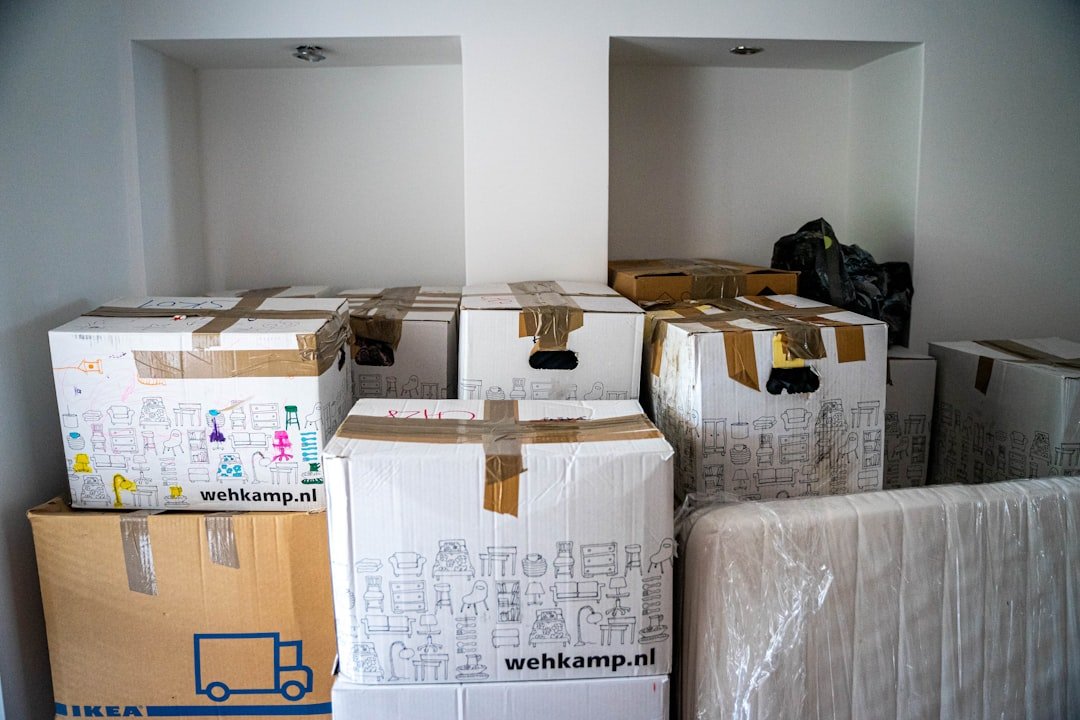
A useful workspace record
Give each group a device name, current room, accessory-container count, preparation owner and destination workstation. For example, distinguish an owner-carried laptop from a packed study-monitor accessory box and an unprepared printer. These are sample record categories, not a customer story. Keep technical uncertainties visible instead of filling the form with guesses. A Nashville apartment may need a building access note, while a house study may need furniture measurements and a stair-route photo. The team reviews the physical moving plan; the equipment owner manages technical preparation.
Create a workstation map that survives a room change
Home-office cable labeling works best when identifiers stay attached to a device group rather than a temporary room name. If the old study becomes a guest room at the new address, a label that only says study may become ambiguous. Choose a stable group identifier, then record its new destination separately. For example, workstation A can move from the upstairs study to the ground-floor office without changing every accessory record.
Use a compact cross-reference with five fields: device group, accessory-container number, preparation owner, transport responsibility and destination. Record the actual number of containers after packing, rather than assuming every device has one bag. A monitor may have an owner-prepared accessory box, while a personally carried laptop has no crew-loaded accessories. A shared printer may need a separate preparation decision before anything is removed. These are planning examples, not equipment instructions.
| Group | Accessory record | Responsibility to confirm |
|---|---|---|
| Workstation A | Owner-confirmed monitor accessories, container A-01 | Who prepares and receives it |
| Personally carried laptop | Owner bag, excluded from truck inventory | Who keeps possession during travel |
| Shared printer | Preparation pending, model recorded privately | Owner or IT contact follows the correct manual |
| Unidentified adapters | Review group U-01, association unconfirmed | No compatibility assumptions |
Resolve an unknown adapter without guessing
A connector that appears to fit does not establish that an adapter belongs to a device. Keep an unidentified part in the review group and record the equipment owner’s decision before changing its label. Do not test random power supplies, splice cables, remove a fixed connection or open a device to make the inventory seem complete. The mover’s physical item list can honestly say association unresolved while the technical owner checks the equipment.
Use the manufacturer’s support materials for the exact model. For example, Dell’s manuals page identifies products by a model or product identifier before presenting documentation. That source is a route to the appropriate instructions, not a universal procedure for every computer. Keep full serial numbers, service tags and employer asset records in the owner’s private reference if needed; a public carton label normally needs only your household’s simple group code.
Use a receiving check that respects technical boundaries
At pickup, verify that each listed accessory container is present and that owner-carried items remain outside the loading group. If one container is split into two, update the count and tell the receiver instead of silently reusing the same identifier. A short note such as A-01 replaced by A-01 and A-02 is more useful than an unexplained increase in the total. Keep the final list accessible even if the main computer is packed.
At delivery, compare labels and container counts before beginning technical setup. Note exterior condition concerns through the agreed moving communication process, and let the equipment owner decide when and how to reconnect anything. A successful container handoff does not establish that a device has been installed, tested or restored to a network. Keep those follow-on tasks on the owner’s separate list so no one mistakes placement in the room for completion of IT work.
For a two-person household, agree who can approve a changed destination when one person is unavailable. The receiver may place a sealed accessory box in its labeled room without guessing whether it belongs to the other person’s computer. Related physical-inventory guidance is available in the monitor and desktop inventory and printer parts checklist. Use those records alongside, rather than instead of, the equipment owner’s preparation instructions.

Frequently asked questions
What should a cable label identify?
Use the associated device, owner or destination workstation where helpful. Keep identifiers short and consistent with the room inventory, without putting passwords or private account information on the label.
Should I photograph how devices are arranged?
A private reference photo can help the equipment owner. Keep sensitive screens and access details out of shared images; the moving team mainly needs the physical inventory and access route.
What if I do not know which adapter belongs to a device?
Mark the part for the owner’s review rather than guessing a technical specification. Keep unidentified accessories in a clearly recorded group until their association is confirmed.
Does moving service include computer shutdown or setup?
Discuss the requested scope directly. Physical transport, packing assistance and technical work are different responsibilities; do not assume that account configuration or installation is part of the move.
Can I carry my work laptop personally?
Decide the owner-carried group and identify it as excluded from the crew’s load. Keep it separate and explain the distinction to the person who will meet the moving team.
How do I count small accessory containers?
Record their number and associated device group. Include them alongside the furniture and larger equipment rather than leaving them out because they are small.
Should both workstations use the same office label?
Use room or workstation identifiers that your household can distinguish. Consistent labels help the receiver know where each equipment group belongs.
What should I send if packing is unfinished?
Show which accessories are organized and which physical items still need work. Explain requested packing assistance separately from preparation that the equipment owner or IT contact will perform.
How is the home-office moving price determined?
Provide the equipment inventory, accessory-container counts, furniture dimensions and access information. Request current written pricing for the agreed physical work; a cable checklist does not establish a rate, technical service or confirmed booking.
How can I request a home-office moving review?
Call (615) 710-9990 or visit JM Moving with the workspace inventory, both addresses and preferred date. Confirm available service and scheduling directly with the team.
Review your Nashville home-office inventory
Contact JM Moving at (615) 710-9990. Share the item list and requested services so the team can review the access and available moving window before confirming the final written price.
Related JM Moving guides: Nashville Moving: Bed Slats and Hardware Labels · Nashville Moving: Bookshelf and Shelf Pin Labels · Desk Drawer Inventory for Nashville Moves · Nashville Moving: Sectional Sofa Component Labels